
Reolink PoE CCTV Setup: Cameras, NVR, Storage, and Phone Access
Install a Reolink PoE camera system with reliable cabling, secure NVR access, useful recording rules, and remote viewing on Android or iPhone.
0 reads0 likes
Today in mobile
Sharp reporting, honest reviews, and useful guides focused on Android, Apple, artificial intelligence, and the devices around them.
Install a Reolink PoE camera system with reliable cabling, secure NVR access, useful recording rules, and remote viewing on Android or iPhone.

Pair and place an Arlo Essential camera, then tune motion zones, notifications, power settings, and account security for useful monitoring.
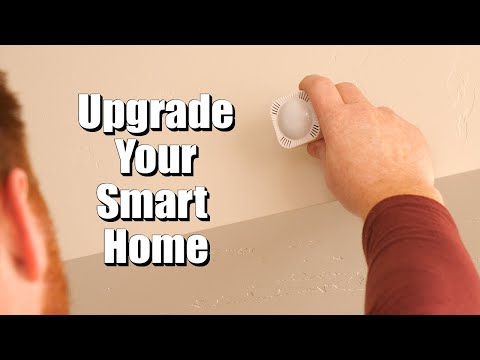
Create a SmartThings home, connect an Aeotec hub, add compatible devices, and build routines that remain understandable as the system grows.

Build a stable Philips Hue lighting system with the Hue Bridge, organized rooms, physical controls, and clean Apple or Google integration.

Fit the Yale Assure Lock 2 correctly, connect the regional Yale app, and create secure entry codes without weakening the physical door.

Install and calibrate the Aqara U200 retrofit lock, then connect Matter and Apple Home Key without locking yourself out during setup.

Charge, pair, mount, and tune a Ring Battery Doorbell while avoiding weak Wi-Fi, excessive motion alerts, and missed visitors.

Install a wired Google Nest Cam through the Google Home app, choose a reliable location, and configure useful alerts without constant notifications.

Set up Apple Home correctly with rooms, a home hub, accessories, scenes, automations, widgets, and secure access for your household.
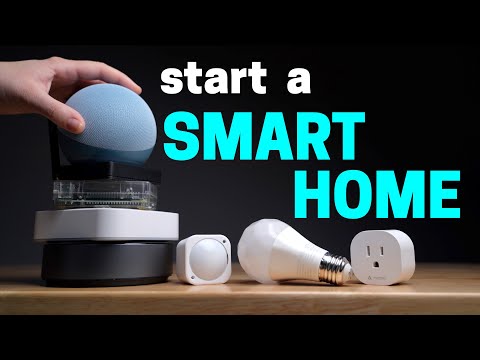
Build a reliable smart home by choosing the right ecosystem, fixing Wi-Fi coverage, and starting with automations that solve real problems.
The iPhone is mature enough that its most meaningful innovation may be a device that remains easier to repair, maintain, and trust for longer.
Arguments about alternative iPhone app stores are not simply about fees. They concern whether safety must depend on one gatekeeper.