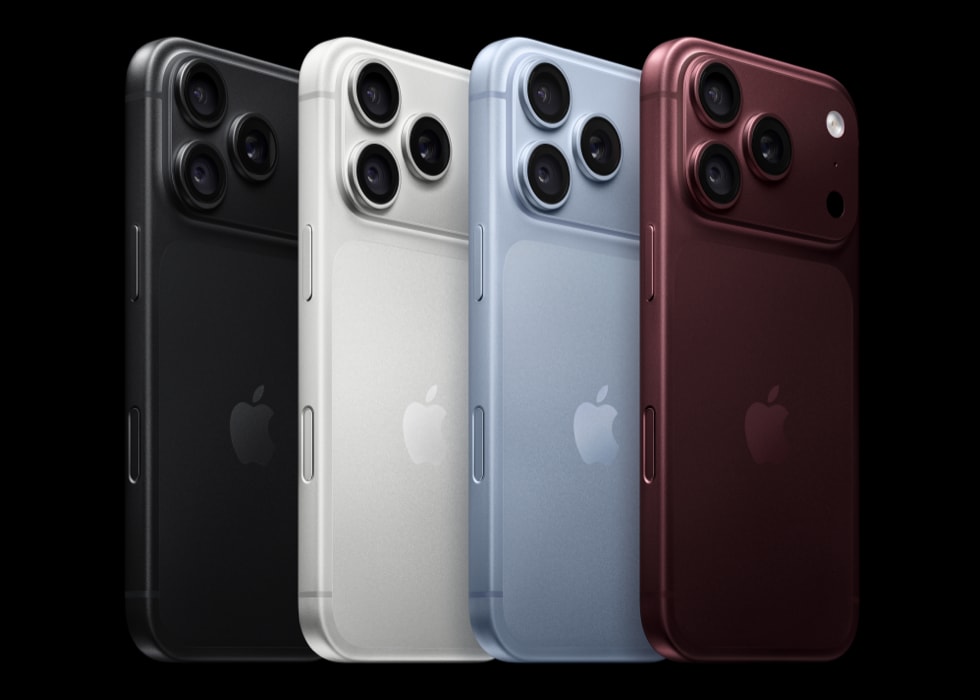
iPhone 18 Pro supports 4K Dolby Vision recording, with frame-rate options that vary by camera. Choose your recording settings around the finished video you want to make.
For a simple product story, capture an establishing shot, a close detail, and a clear demonstration. Leave a short pause at the beginning and end of every clip so cuts are easier to place.
Check your editing app and publishing destination before building an HDR workflow. Watch a test export on the screen your audience is likely to use. Good pacing, readable framing, and clean audio matter as much as the resolution selected in Camera.
Source: www.apple.com
Conversation
0 commentsNo comments yet. Start a useful conversation.